How to Specify DNP Components and PCB Assembly Variants
Specify DNP (do not populate) components by reference designator for each assembly configuration being ordered. The BOM, placement file and assembly drawing must agree on which parts to fit. If you use DNF (do not fit) or “not fitted” instead, define that term in the release notes. Identify parts to be installed later separately from positions that must remain empty.
A variant is not the same as a revision. Two products can use the same bare-board revision while loading different components. A revision changes the controlled design baseline; a variant selects a defined configuration of it. Keep that distinction visible in filenames, order lines and labels.
Use explicit population states
Define the terms in the release package. Distinguish components fitted during this assembly operation, references deliberately left empty, parts installed at a later stage and any mechanical items supplied loose. A zero quantity without an explanation can be mistaken for a spreadsheet error.
Do not use DNP to indicate an unapproved purchasing substitute. A different value or part number is a fitted component choice that needs its own approval. Likewise, an alternate footprint on the board should not be loaded merely because its pads are present.
List the differences between configurations
In this example, two sensor-controller products share PCB revision C. One includes an optional interface connector and termination resistor; the other omits them. The matrix records the assembly differences, assuming both electrical configurations have been approved by the design team.
| Reference / item | Configuration A | Configuration B | Controlling record |
|---|---|---|---|
| U1 controller | Fit approved MPN | Fit same approved MPN | Variant BOM |
| J3 interface | Fit approved connector | DNP | BOM and assembly view |
| R18 termination | Fit approved value | DNP | BOM and design configuration |
| J5 service header | Customer installs later | Customer installs later | Operation responsibility note |
| Finished label | Configuration A identity | Configuration B identity | Label specification |
Use the matrix as a summary alongside the complete release package for each configuration. Keep all shared parts in both BOMs, even when they are omitted from the comparison.
Generate each output from the intended variant
Export the BOM, placement file and assembly drawing using the same selected configuration. Check quantities and references in the exported PDF and CSV, as well as in the CAD project; an export made with the wrong variant selected can miss otherwise correct settings.
Altium documents fitted, not-fitted and modified-component states. Check that each reference has the intended state in the released output. A screenshot of the variant manager may help explain a question, but the assembler still needs the complete variant-specific files.
Ask the assembler whether to omit DNP references from the position file or retain them with explicit population flags or accompanying notes. Use the agreed method consistently so non-fitted parts cannot be mistaken for required placements.
Reconcile counts without losing later operations
Expand grouped BOM references and compare the fitted set with the placements expected at this operation. Maintain an exception list for through-hole installation, customer-fitted parts and features such as fiducials. The review should account for every difference, not force all three documents to contain identical rows.
If a customer will install J5 later, record whether its pads need any specific processing and who verifies that requirement. Leaving a component off does not, by itself, define paste, solder or hole preparation. Those instructions depend on the later joining method and must be agreed rather than inferred from DNP.
Keep configurations separate through assembly and packing
Assign each ordered configuration an unambiguous assembly identifier. Keep work orders and material kits distinguishable. If the visual difference is small, define a check of the affected references and the finished label before units enter a shared tray or package.
Check the first unit against the files for the ordered configuration. A base-board photograph may miss an optional resistor or connector. Repeat the check when changing configurations or released data, and confirm the correct firmware and functional test requirements for each variant.
Use the existing revision-control process to approve baseline changes, while the variant matrix controls simultaneous product options. Both records support low-volume assembly without treating every option as an unrelated design.
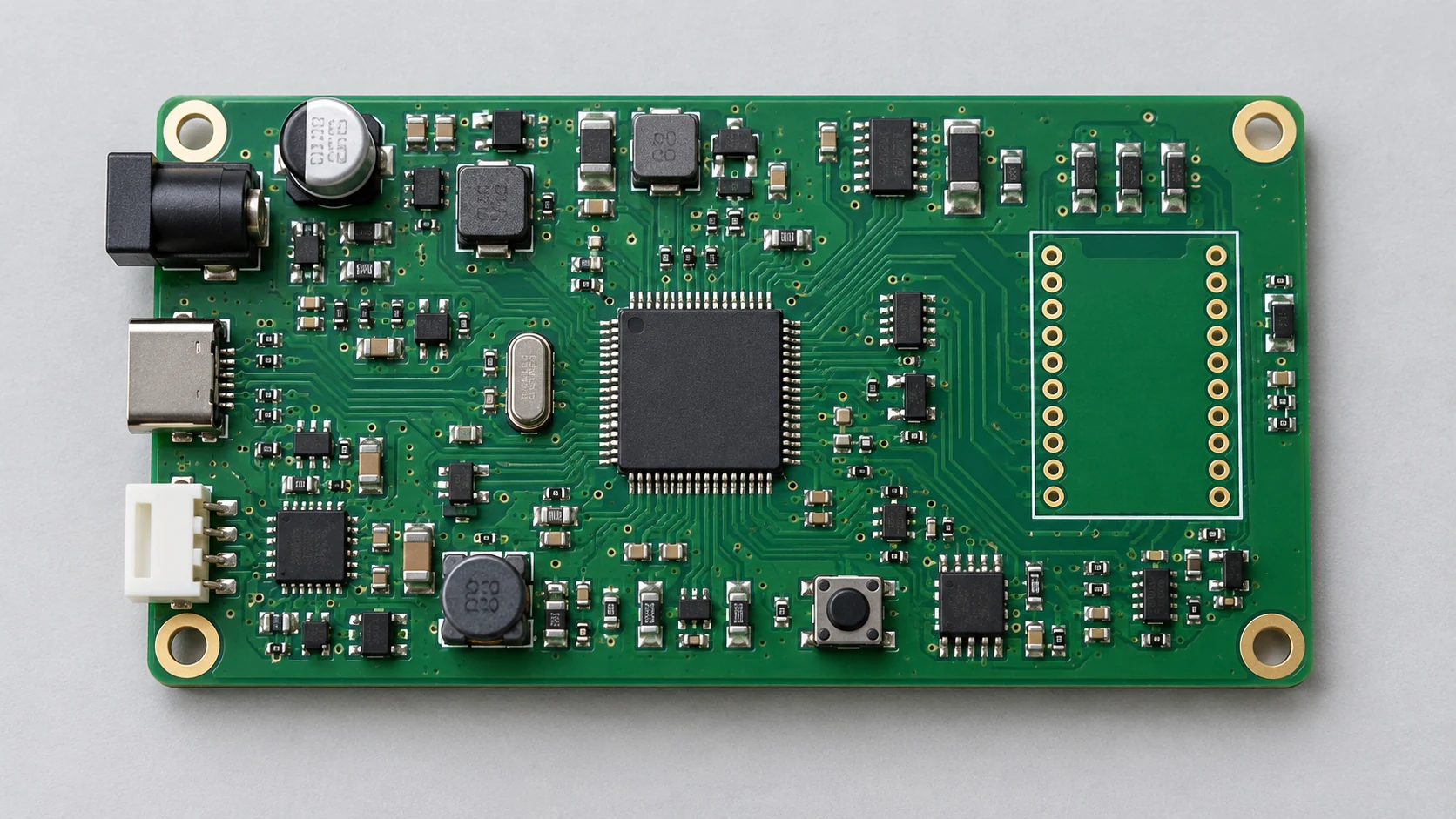
Cover image: AI-generated editorial illustration, not a production record or an acceptance reference.