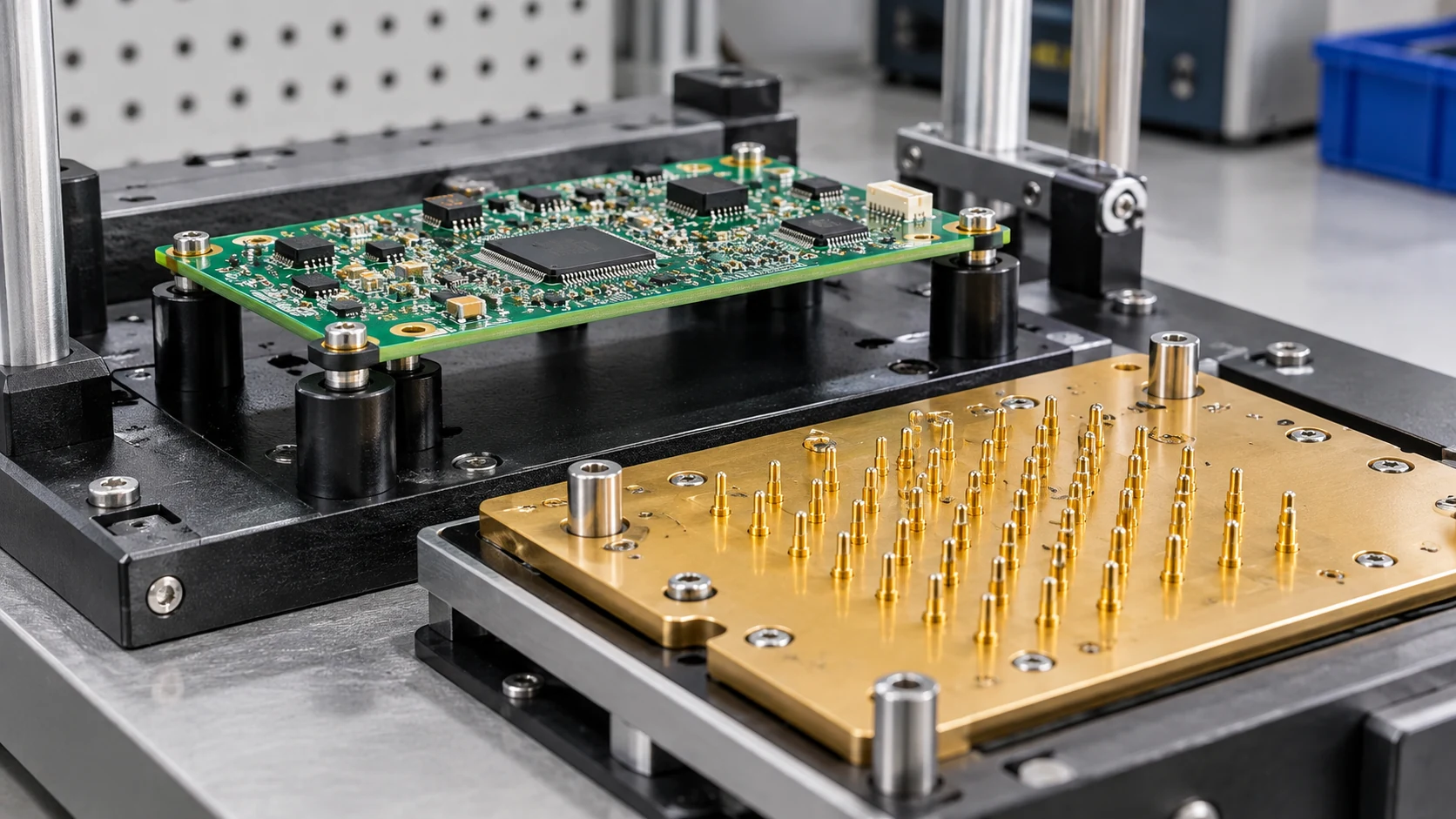
How to Place PCB Test Points for Production Testing
Start test-point placement with a list of the signals, power connections and programming interfaces needed during production. Review those locations with the test engineer and fixture supplier before freezing the layout. A pad must be electrically suitable and physically reachable on the populated board.
This article addresses physical access on the board. For test sequencing, instruments, limits and result records, use the functional test fixture requirements. For choosing inspection and test methods, see the PCB assembly testing guide.
Build a test-access list from the actual checks
For each planned operation, list the signal or power node, purpose, board state and required measurement reference. Some checks can use product connectors; others need dedicated pads. Do not add a pad to every net simply to increase a coverage percentage without considering what the test can actually detect.
Identify whether a point is used for in-circuit testing, functional measurement, programming or fixture power. These purposes can impose different electrical and mechanical requirements. High-current power access, a reset signal and a low-level analog measurement should not be treated as interchangeable probe contacts.
Choose the accessible side with the populated board in view
Review the final component population, not an empty-board layout. A tall component can block a probe body even when its tip appears to fit on the pad. A connector, mounting boss or enclosure feature may prevent the fixture from approaching at all.
Discuss single- or double-sided access, fixture registration and board support. More probes also create mechanical loading; support must prevent unacceptable board deflection without contacting unsuitable components. The fixture supplier should confirm the usable probe envelope and support arrangement for the actual board.
Agree on pad geometry and probe clearance
Record the accessible contact area, solder-mask opening, neighboring clearance, board-side designation and positional tolerance. Confirm the finish and expected surface condition. Whether a via can serve as a test point depends on its construction, accessibility and the chosen probe, not just whether the CAD tool can label it.
Altium’s testpoint documentation explains how to assign pads or vias for fabrication or assembly testing and generate the associated reports. Review those assignments with the fixture supplier to confirm that the chosen probes can make reliable contact.
Review signal integrity and power behavior
Do not add a long branch to a sensitive high-speed or RF net solely to make it easy to probe. The added geometry and the connected measurement setup can affect the circuit. Review the loading and routing with the design engineer, and consider a different access or test method when a direct pad is unsuitable.
For fixture power, define current capability, return paths, sequencing and current limits. A small signal probe may not be suitable as the only supply contact. Ground access should support the measurement being made; a convenient but noisy reference can invalidate an otherwise repeatable reading.
A review matrix for the layout release
Use this matrix to divide the review between the board designer and fixture supplier. Add the agreed limits and probe specifications for your product.
| Access | Purpose | Design review | Fixture review |
|---|---|---|---|
| Supply and return | Power the board during testing | Sequence, current and protection | Contact rating and safe engagement |
| Programming interface | Load and verify firmware | Levels, reset and boot state | Pinout, keying and contact repeatability |
| Analog output | Measure a defined operating condition | Loading, reference and settling | Instrument path and leakage/noise |
| Digital control | Drive or monitor a signal during testing | Which device drives the signal, and permitted logic states | Protection and station mapping |
Check the test-point report and trial the fixture
Release the testpoint report with net names, coordinates, side, board revision and the fixture’s agreed origin. Reconcile it with the test procedure so that a renamed net or moved pad cannot silently retain the old station assignment.
Review the populated 3D model, then trial the fixture with a first assembly approved for that purpose. Check for consistent contact and excessive board deflection. Investigate unstable readings before changing test limits; poor probe contact may be the cause.
Record inaccessible nodes, the faults that consequently cannot be detected and any alternative checks. Include these limitations, the customer-defined test limits and the required result records in the assembly testing review.
Cover image: AI-generated editorial illustration, not a production record or an acceptance reference.