5 Mistakes That Delay Quick-Turn PCB Assembly
Direct answer: The most common quick-turn PCB assembly delays are mixed file revisions, unresolved BOM lines, ambiguous placement or polarity data, late programming and test inputs, and slow approval of exceptions. Expedited fabrication cannot recover time lost while the project waits for a technical decision. A credible quick-turn schedule begins after the released package and material path have been checked.
What decision does this guide support?
Use this article to decide whether an urgent build is genuinely ready for schedule commitment. “Quick turn” is a coordination problem across PCB fabrication, component availability, assembly, programming, inspection, test, and approvals. The longest unresolved dependency determines the practical completion date, even when the placement operation itself is short.
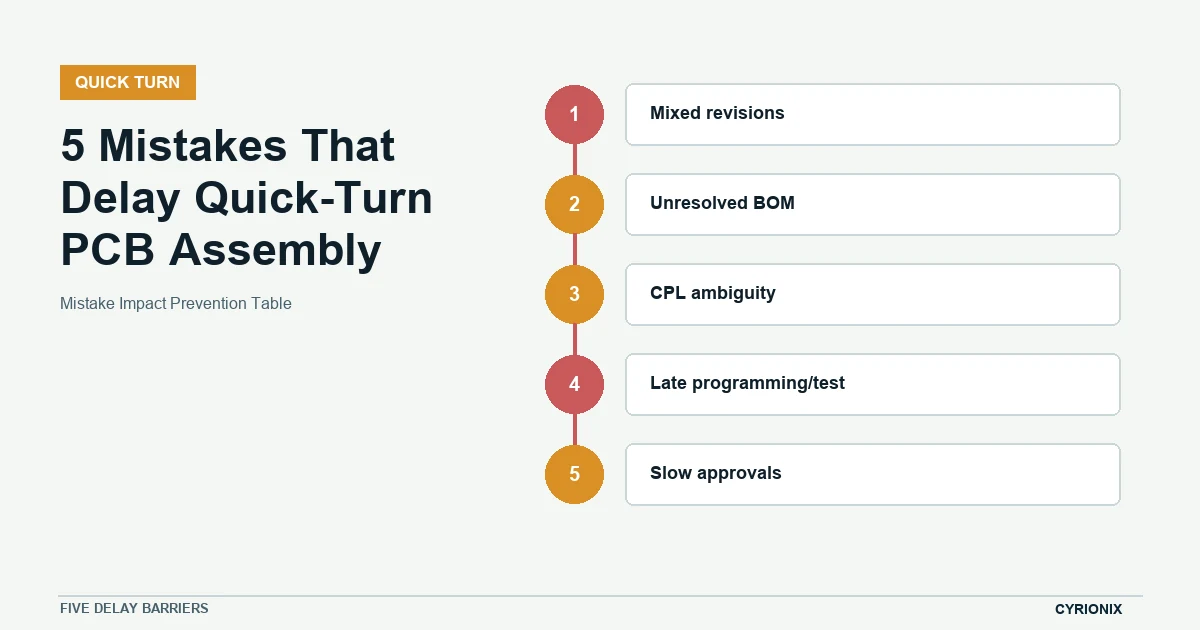
Quick-turn delay prevention table
The prevention table connects each recurring delay to evidence that can be checked before release. Resolve these items before paying an expedite premium.
| Control point | Required action or evidence | Hold condition |
|---|---|---|
| Mixed revisions | Use one released package with superseded files removed. | Teams quote or build from separate email attachments. |
| Unresolved BOM | Resolve part identity, stock, alternates, and approval rules before purchase. | A critical line is marked TBD. |
| CPL ambiguity | Align origin, side, rotation, reference, and polarity evidence. | Placement requires manual interpretation. |
| Late programming/test | Develop binaries, access method, fixtures, and limits in parallel. | Acceptance inputs arrive after assembly. |
| Slow approvals | Name one owner per decision and a time-bounded escalation path. | A question has multiple watchers but no decision maker. |
Mistake 1: quoting from mixed revisions
Files forwarded through separate email threads frequently contain a newer Gerber set, an older BOM, and a centroid export from another CAD state. The conflict may not be visible until engineering questions begin. Issue one dated package, remove superseded files, and include a manifest with checksums or revision identifiers so every participant quotes the same assembly.
Mistake 2: leaving critical BOM lines unresolved
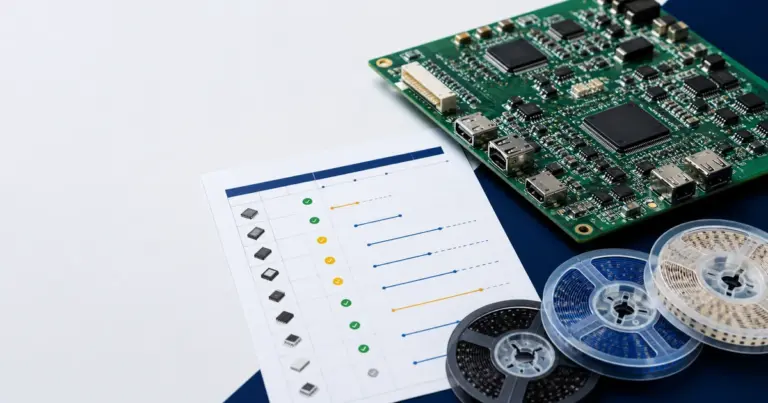
A line marked “TBD,” a generic description without an MPN, or an alternate awaiting approval can stop purchasing. For urgent work, identify the long-lead and sole-source items first, confirm live quantity at an approved source, and define who can approve an alternate. Stock seen during quotation is not reserved until the commercial and purchasing steps are complete.
Mistake 3: assuming the CPL is self-explanatory
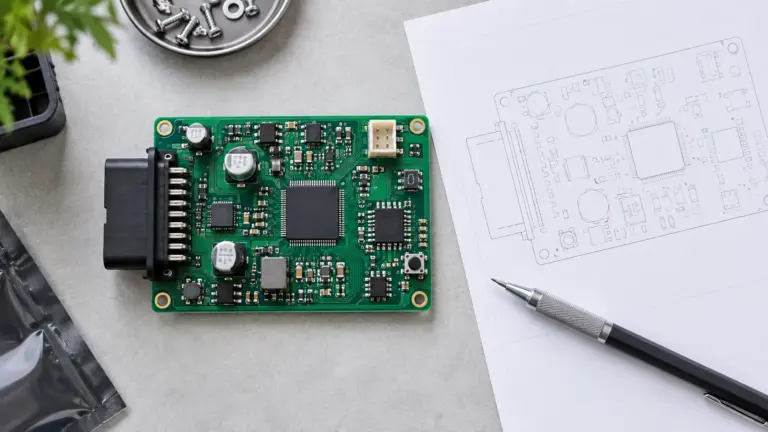
CAD systems differ in origin, rotation convention, layer naming, and treatment of bottom-side parts. Confirm units, board origin, reference designators, side, rotation, and polarity against assembly drawings or rendered data. A short visual reconciliation before release is faster than correcting a systematic placement interpretation during setup.
Mistake 4: treating firmware and test as post-assembly tasks
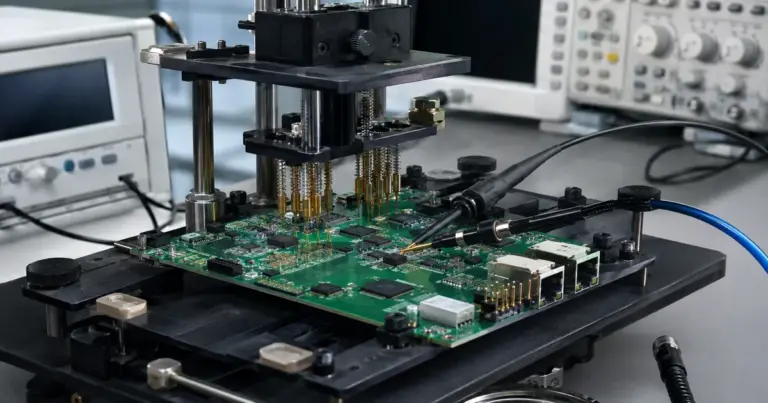
Boards can be physically complete and still miss the delivery date because binaries, programmers, fixtures, cables, limits, or golden behavior are unavailable. Define the programming and test path while material is being procured. If the final functional test is not ready, agree what interim evidence will be delivered and what risk remains.
Mistake 5: approvals without response ownership
An urgent question sent to a large group can wait longer than one sent to a named decision maker. Assign authority for substitutions, file discrepancies, rework, test failures, and schedule tradeoffs, with an escalation time. The person approving should have the technical context to understand what changes and what does not.
Build a schedule from dependencies, not a headline
Request milestone dates for file approval, material readiness, bare-board arrival, setup, assembly, inspection, programming, test, and shipment. Mark assumptions and approval deadlines beside those milestones. This makes an aggressive schedule auditable and exposes which date will move if a dependency slips.
A 24-hour readiness review before release
- Morning: reconcile the package. Freeze revisions, render the PCB and placement data, and close file conflicts.
- Midday: verify the material path. Check critical stock, alternates, purchase cutoffs, and incoming dates using current evidence.
- Before commitment: lock approvals and acceptance. Name decision owners and confirm programming, test, delivery, and exception rules.
Quick-turn scheduling questions
When does quick-turn lead time start?
For planning purposes, start the clock when the build package is released, commercial scope is accepted, required approvals are available, and the material path is confirmed. A quote request sent earlier is not the same as a production release.
Can partial assembly protect the schedule?
It can when missing parts do not prevent safe processing or the intended learning objective, and when the later completion method is defined. Partial builds also add handling, rework, and traceability risk, so the decision should be explicit.
Is local stock enough to guarantee the date?
No. Stock must match the exact MPN and packaging, pass source controls, remain available at purchase, and arrive in time for incoming verification and setup. Treat inventory as dated evidence, not a permanent fact.
Related Cyrionix resources
Teams preparing an urgent package should use the PCB assembly file checklist. The rapid PCB prototyping guide covers the wider prototype decision path.
Technical references
- KiCad fabrication and position-file documentation
- Altium ActiveBOM verification documentation
- Protolabs prototype-to-production white paper
Have a fixed target date? Request a dependency-based quick-turn PCB assembly review.