How to Prepare for a Prototype PCB Assembly Build
Direct answer: A prototype PCB assembly package is ready when the Gerbers, drill files, BOM, placement data, drawings, firmware, and test instructions describe the same revision and variant. Resolve mismatches before quotation or release; prototypes are most useful when assembly findings can be traced to a known baseline.
What decision does this guide support?
This checklist helps engineers decide whether a prototype build package is coherent enough to quote and assemble. It focuses on cross-file agreement, programming ownership, and the evidence required before first power.
Prototype Build Preparation Checklist
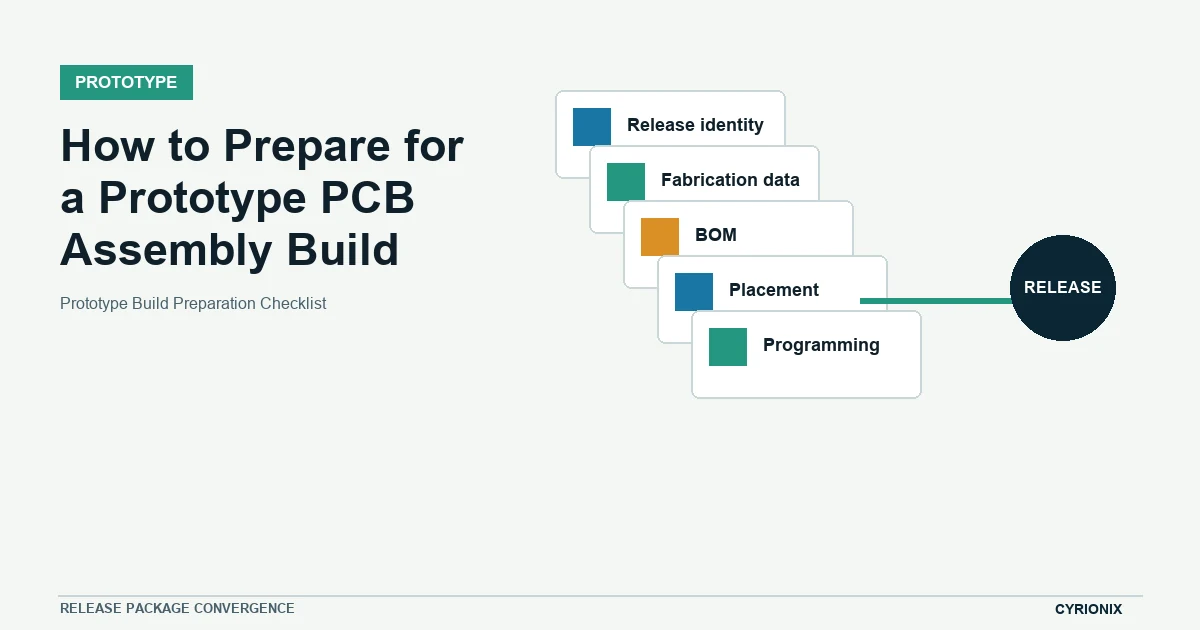
Check the package as a system, not as a folder of individually valid files. Stop when two inputs describe different population, polarity, origin, revision, or acceptance intent.
| Checklist item | Required evidence | Hold condition |
|---|---|---|
| Release identity | Assign one revision and variant to the complete package. | Files carry conflicting revision labels. |
| Fabrication data | Plot and inspect Gerber, drill, outline, and stack-up outputs together. | The board outline, drill data, or layer set is ambiguous. |
| BOM | Resolve manufacturer part numbers, quantities, DNP lines, and approved alternates. | A purchasing line lacks an unambiguous part or approval rule. |
| Placement | Cross-check reference designators, rotations, side, origin, and polarity. | The CPL disagrees with the assembly drawing or BOM. |
| Programming | Provide image, target device, connector, settings, and verification rule. | Programming ownership or the correct binary is unknown. |
| Test | Define pre-power checks, functional steps, fixtures, limits, and result format. | No one can state what evidence makes a unit acceptable. |
The release baseline
Assign one revision and assembly variant to the full package. Include a dated release note or manifest so the buyer, sourcing team, and assembler can confirm they are reviewing the same set.
Gerber and drill checks
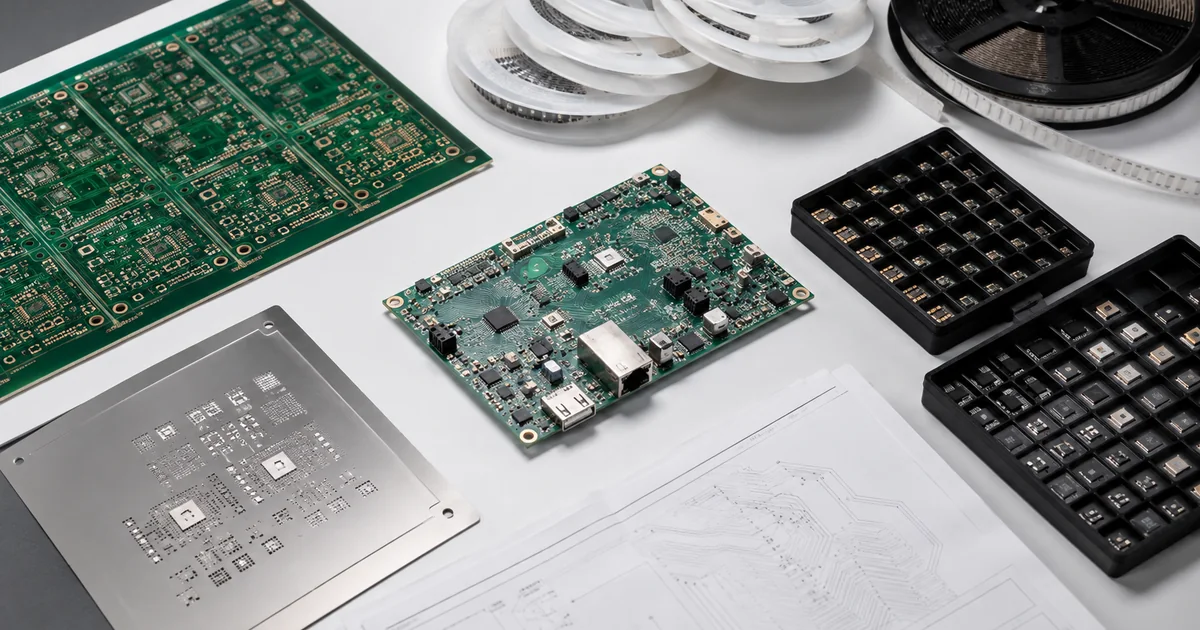
Plot the fabrication layers, drill data, route or outline, stack-up notes, and board drawing together. Confirm dimensions, plated and non-plated holes, layer order, finish, thickness, and any controlled requirements that affect quotation.
BOM and variant checks
Every fitted reference should have a purchasable manufacturer part number or a clearly governed alternate. Mark do-not-install lines consistently and reconcile variant quantities against the placement and assembly data.
Placement and polarity
Check reference designators, board side, origin, rotation, and polarity using the actual exported CPL and assembly drawing. Ambiguous diodes, LEDs, electrolytics, connectors, or pin-one marks should be corrected before setup.
Test and programming inputs
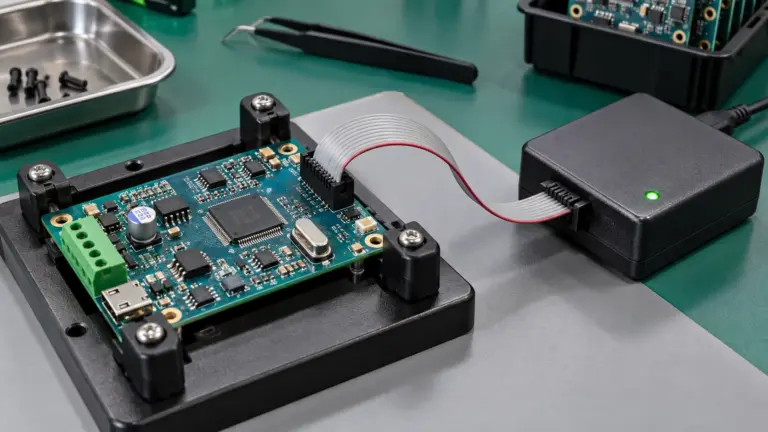
Provide the controlled binary, target device, connector or fixture method, tool settings, and verification step. Define pre-power checks, current limits, functional steps, expected results, and who decides the disposition of a failed unit.
Pass/hold checklist
Release only when fabrication data, BOM, CPL, drawings, programming, and test information agree. Record unresolved items as holds with an owner and due date instead of allowing the assembler to infer design intent.
Use the checklist before requesting a quote
- Export once. Generate the manufacturing files from the approved design state.
- Reconcile references. Compare BOM, CPL, drawings, and variants.
- Define acceptance. State programming, first-power, inspection, and test evidence.
Related Cyrionix resources
Use the prototype PCB assembly service and manufacturing-file guide to prepare the released package.