How to Prepare a PCB Assembly Drawing
A PCB assembly drawing should answer the questions that a parts list and placement coordinates cannot: which face is shown, which way a polarized part faces, what must remain unpopulated, and how special components are installed. Generate it from the released design, then review the exported document as an assembler would. A technically correct CAD model does not guarantee a readable drawing.
Label the top and bottom views clearly
State the assembly number, revision, variant, units and sheet number in the title block. Use views with the board outline, mounting features and reference designators visible. Identify whether a bottom-side view is looking at the underside or through the board from above; an unlabeled mirrored print invites a wrong interpretation.
For dense areas, add enlarged detail views rather than covering the board with overlapping leaders. Check the PDF at the intended print size. A tiny reference that is readable only at extreme zoom will not help an operator match a part to the BOM at the bench.
Altium’s Board Assembly View documentation describes drawing objects derived from PCB data. Generated views are a starting point; project-specific installation notes still need engineering review.
Show polarity and connector orientation
Identify pin one for ICs and connectors and the relevant polarity for diodes, LEDs and polarized capacitors. Use the exact component’s package drawing to interpret markings. Do not assume that every stripe, notch or molded circle has the same meaning across package types.
Where silkscreen is crowded, hidden under a component or ambiguous, show the correct orientation in a drawing detail. A connector’s pin-one designation alone may not communicate the mating direction; show the key, latch or mating face when that distinction matters.
Keep machine-data checks separate. The manufacturing file package should include placement data when required, but the drawing should not require the reader to infer rotation from a CSV column.
Write notes that can be inspected
Replace statements such as “install correctly” with a defined reference and an observable condition. Installation height, adhesive, fastener torque or lead preparation should reference an approved drawing or process where required. Do not invent values to make a note look complete.
The examples below show how to turn a vague note into an instruction that can be checked. Supply the actual dimensions and acceptance criteria from the approved design.
| Ambiguous note | Better instruction structure | Required evidence |
|---|---|---|
| Fit J1 as shown. | Show J1’s latch direction in detail A and identify pin one. | Readable view matched to the specified connector. |
| Raise the capacitor. | Define the body-to-board datum and approved standoff dimension. | Dimension, tolerance and measurement location. |
| Do not fit optional parts. | List the affected references for this named variant. | Agreement with the variant BOM and placement output. |
| Glue the connector. | Reference the approved material, application area and cure procedure. | Released process instruction and keep-out areas. |
Separate assembly instructions from fabrication requirements
Bare-board stack-up, hole dimensions and controlled impedance normally belong in fabrication documentation. Keep the assembly drawing focused on component placement and installation. Where a board property affects assembly, reference the fabrication document and revision instead of duplicating a requirement that could become outdated.
Also separate parts supplied loose, installed by the assembler and fitted by the customer. “Not fitted” and “fit later” describe different responsibilities. Identify the operation where later-installed parts are introduced and how the intermediate board is inspected or shipped.
Check the exported drawing against the BOM
Check the drawing’s references against the BOM and placement data for the same configuration. Look for renamed designators, omitted mechanical hardware and notes copied from an earlier revision. Altium’s variant documentation explains that assembly outputs depend on the selected variant; a base-design print may therefore be inappropriate for the ordered configuration.
Have someone other than the author follow one polarized component and one special installation from BOM entry to drawing detail. Record any question they cannot resolve. Release the drawing only after those questions are answered in the document, not merely in a chat message.
Before release, check that the receiving engineer can identify the exact assembly, see what is fitted on each side and find the special installation notes. Each inspection requirement should point to a dimension, drawing detail or approved procedure.
For broader release responsibilities, see the manufacturing handoff checklist. Project-specific drawing inconsistencies can be included in a PCB DFM review.
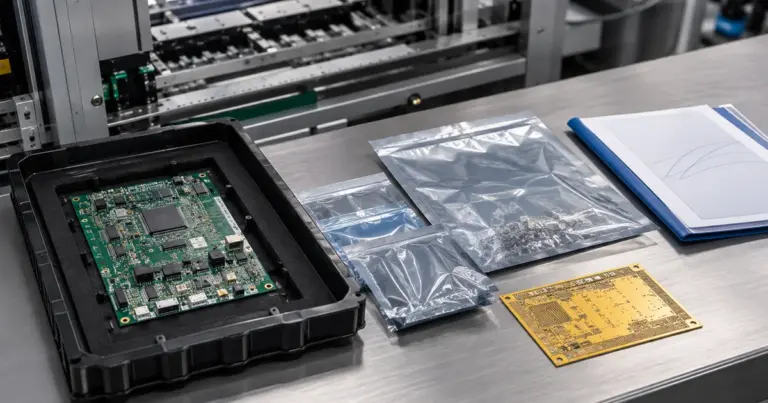
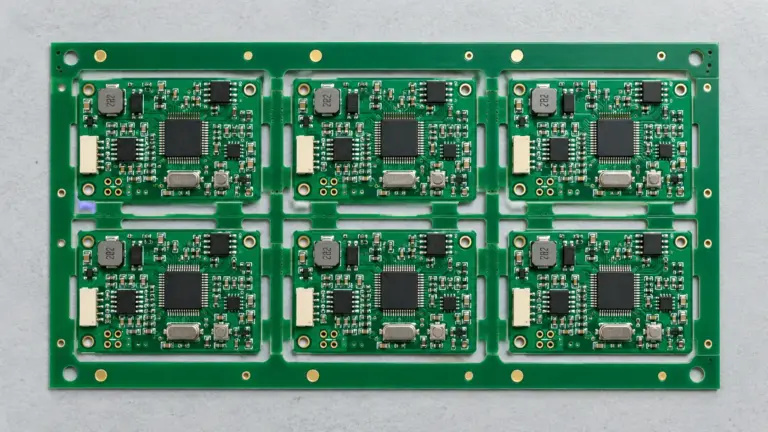
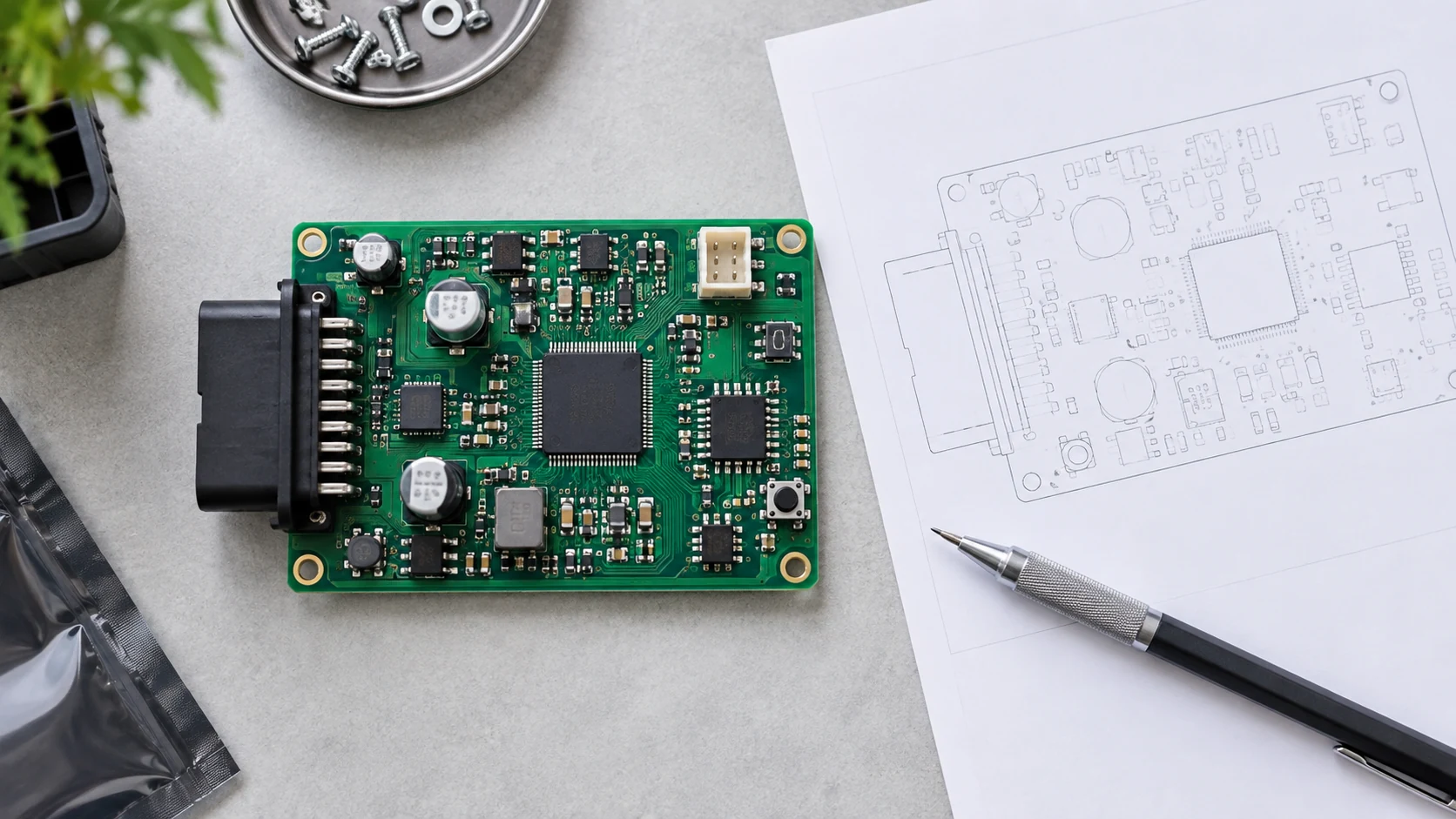
Cover image: AI-generated editorial illustration, not a production record or an acceptance reference.